

Pixel Market BD Has a New Website: What Changed
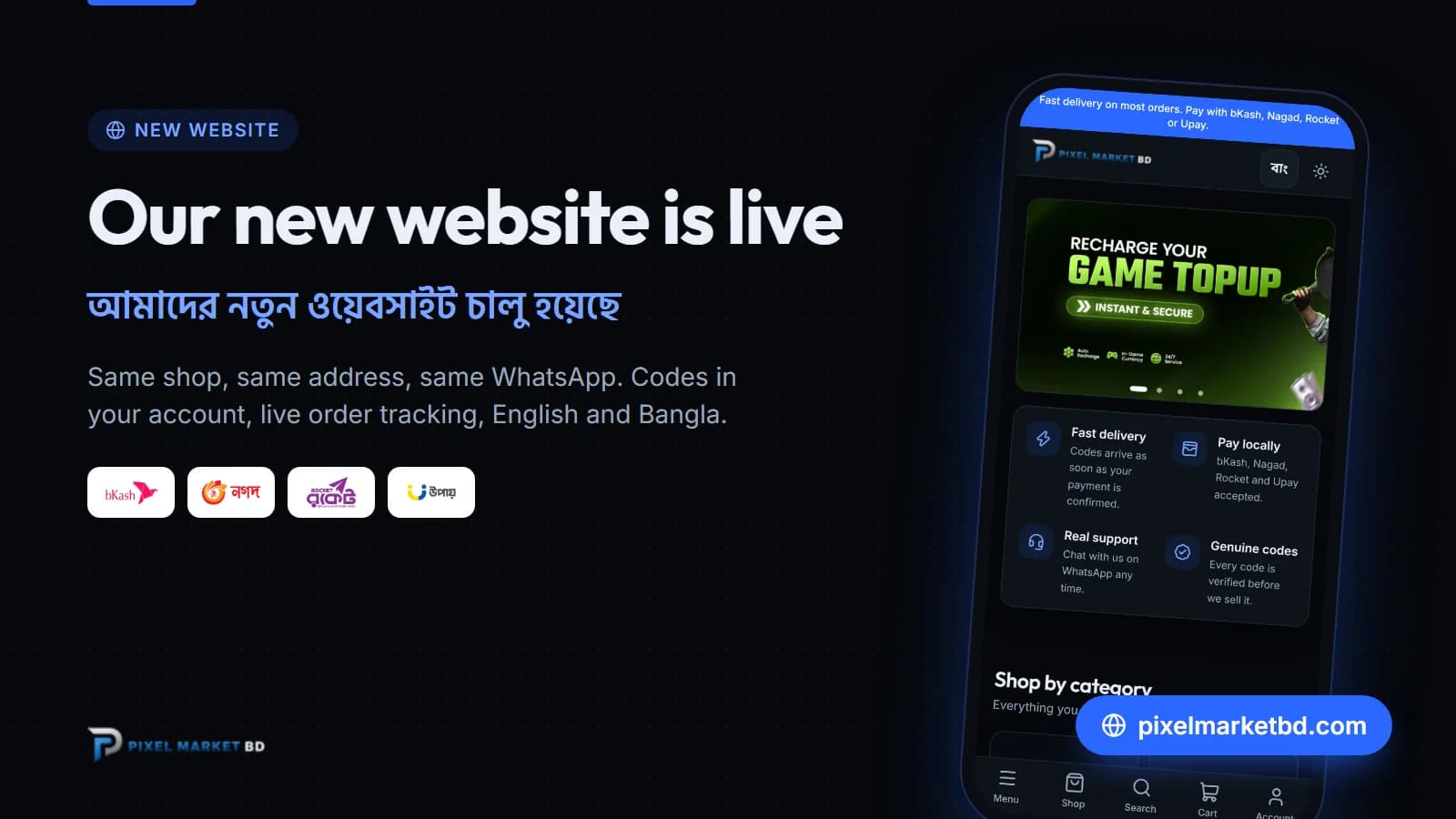
Pixel Market BD has a brand-new website, and it lives at the same address: pixelmarketbd.com. Our other address, pixelmarket.com.bd, now leads here too. It's the same shop, with the same WhatsApp support and the same bKash, Nagad, Rocket and Upay payments. Checkout is faster, your codes stay safe in your account, and the whole site works in English and Bangla.
What's new
- Your codes live in your account. Gift card and game key codes appear in My codes as soon as your payment is confirmed. They're hidden until you tap to show them, and a Copy button saves typing.
- Live order tracking. Every order shows where it is: Pending, Processing, Completed. The page updates by itself while you wait.
- Points on every order. You earn 1 point for every 100 Taka you spend, and each point is worth 1 Taka off a later order.
- Saved Player IDs. Tick "Save this ID for next time" on a top-up, and your Free Fire, PUBG Mobile or other game ID is filled in for you next time.
- English and Bangla. Switch language at the top of any page. Dark and light mode too.
- Email updates. We email you when your order is received, confirmed and delivered. Codes are never put in emails: they stay in your account.
- More games. New this week: Blood Strike top-up with Gold and Passes. See every game top-up or the whole shop.
Shopped with us before?
Your account from our old website moves to the new one under the same email address. Passwords can't be moved between websites, so you need to set a new one, once:
- Open Forgot password.
- Type the email you used on the old website.
- Open the email we send you and choose a new password.
If no email arrives within a few minutes (check spam too), just create an account with the same email. It only takes a minute.
Your old orders aren't shown on the new website. If you need anything about an old order, message us on WhatsApp with your order number and we'll look it up.
Launch offer: RELAUNCH-2026
To celebrate, use code RELAUNCH-2026 at checkout for 5% off orders of 1,000 Taka or more, until 26 October 2026. Each customer can use it twice, and the offer ends after the first 100 uses, so don't wait too long.
How to order on the new website
- Pick a product and an option. For top-ups, enter your Player ID.
- Sign in or create an account, then go to checkout and add a coupon if you have one.
- Pay with bKash, Nagad, Rocket or Upay, and enter your transaction ID (TrxID).
- We confirm your payment. Gift cards appear in My codes, and top-ups go straight to your game account.
The full walkthrough, with pictures, is in How to place an order on Pixel Market BD.
Questions? We're on WhatsApp and at support@pixelmarketbd.com.
Frequently asked questions
Has Pixel Market BD changed its website address?
No. The new website is at the same address, pixelmarketbd.com, and pixelmarket.com.bd leads there too. Bookmarks and old links still work: old product pages open the matching page on the new website.
Why doesn't my old password work on the new website?
Passwords can't be moved between websites, for your safety. Open Forgot password, type the email you used before, and choose a new password from the email we send. If no email arrives, create an account with the same email.
Where are my orders from the old website?
Orders from the old website aren't shown on the new one. Message us on WhatsApp with your order number and we'll check it for you. Every new order appears in your account with live tracking.
How do I use the RELAUNCH-2026 code?
Add products worth 1,000 Taka or more to your cart, go to checkout and type RELAUNCH-2026 in the coupon box. You get 5% off until 26 October 2026, twice per customer, while the first 100 uses last.
Where do I find my gift card code on the new website?
Open your account and tap My codes. Every code from a completed order is there, hidden until you tap to show it, with a Copy button. The order page shows it too. We never send codes by email.